Pterodactyl Panel Basics
Pterodactyl is the control panel where you manage all the services purchased from NexxusHost.
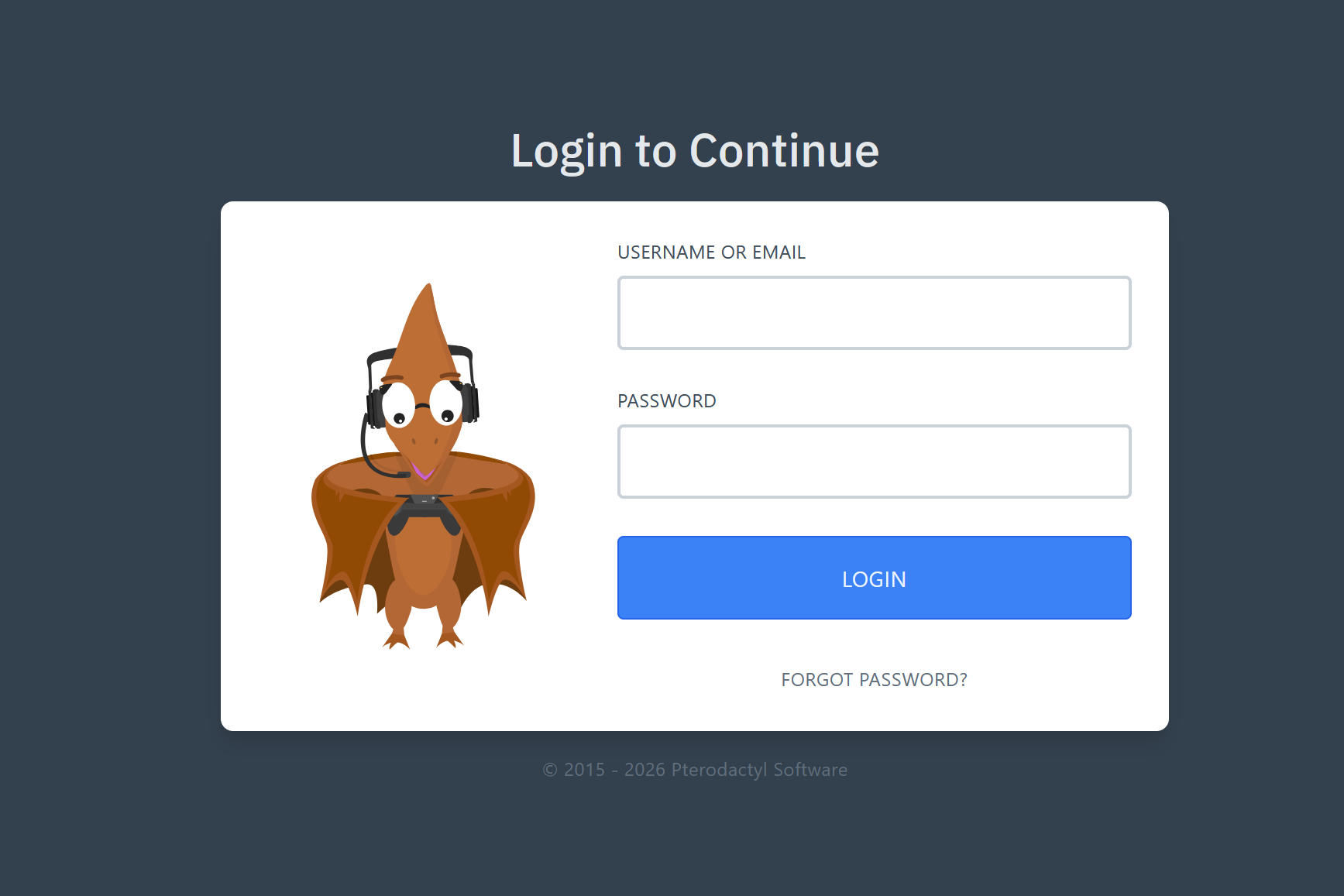
How to Login
- Check your welcome email for the control panel link.
- Enter the username and password provided.
Main Features
Once logged in, click on your server to access the management interface. You will find the following main tabs:
- Console: View your server logs in real-time, send commands directly, and use the Start, Restart, and Stop buttons.
- File Manager: Manage, edit, and upload configuration files directly from your browser without needing FTP software.
- Startup: Modify startup variables (like map names, maximum slots, or bot limits depending on your service).