SinusBot Access and Configuration
Managing your SinusBot through NexxusHost is a two-step process. You will use our main panel (Pterodactyl) to find your credentials, and then access the dedicated SinusBot web panel.
How to Access the SinusBot Panel
- Go to the NexxusHost Pterodactyl panel and navigate to your SinusBot server.
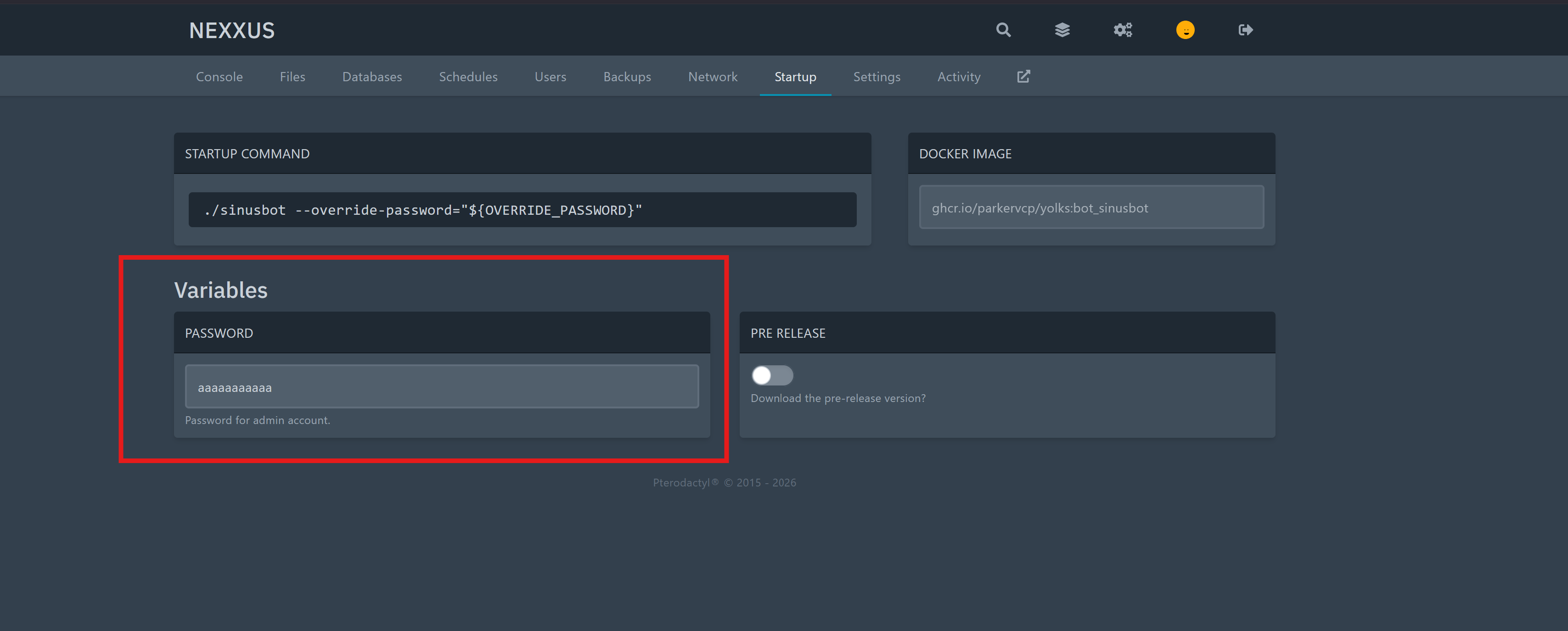
- In the settings or startup tab, copy the password that was generated for you(in which you can change too)..
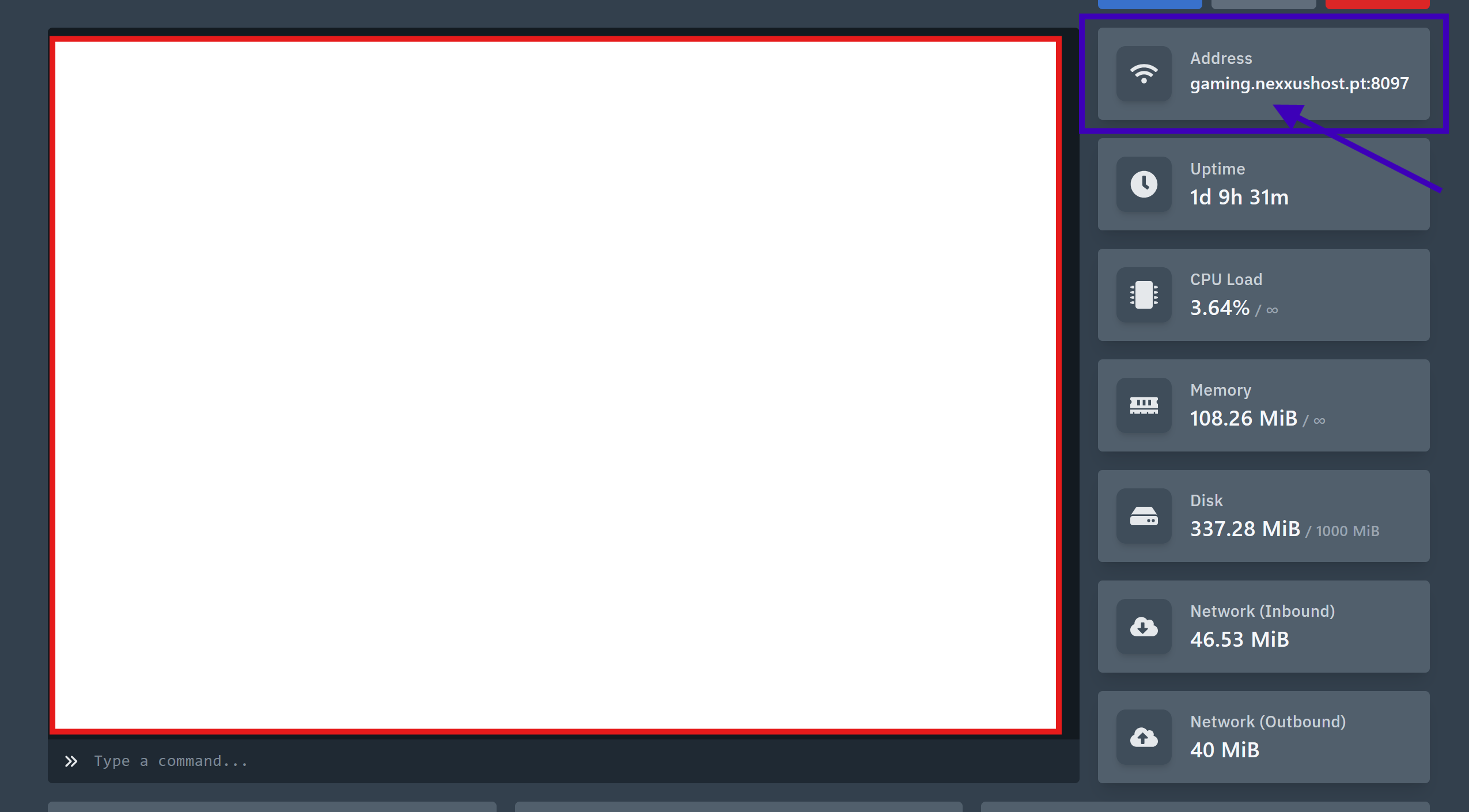
- Open the SinusBot web panel link (available on your main Pterodactyl server page).
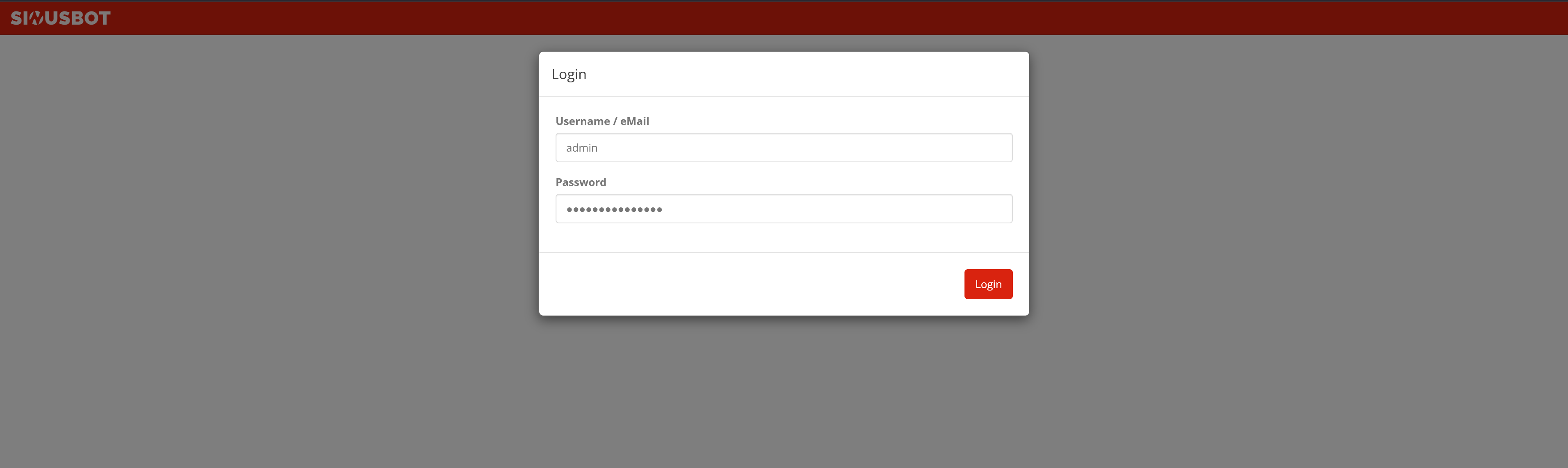
- On the SinusBot login screen, use the following credentials:
- Username:
admin - Password: (The password you copied from Pterodactyl in Step 2)